Birk Demo Site
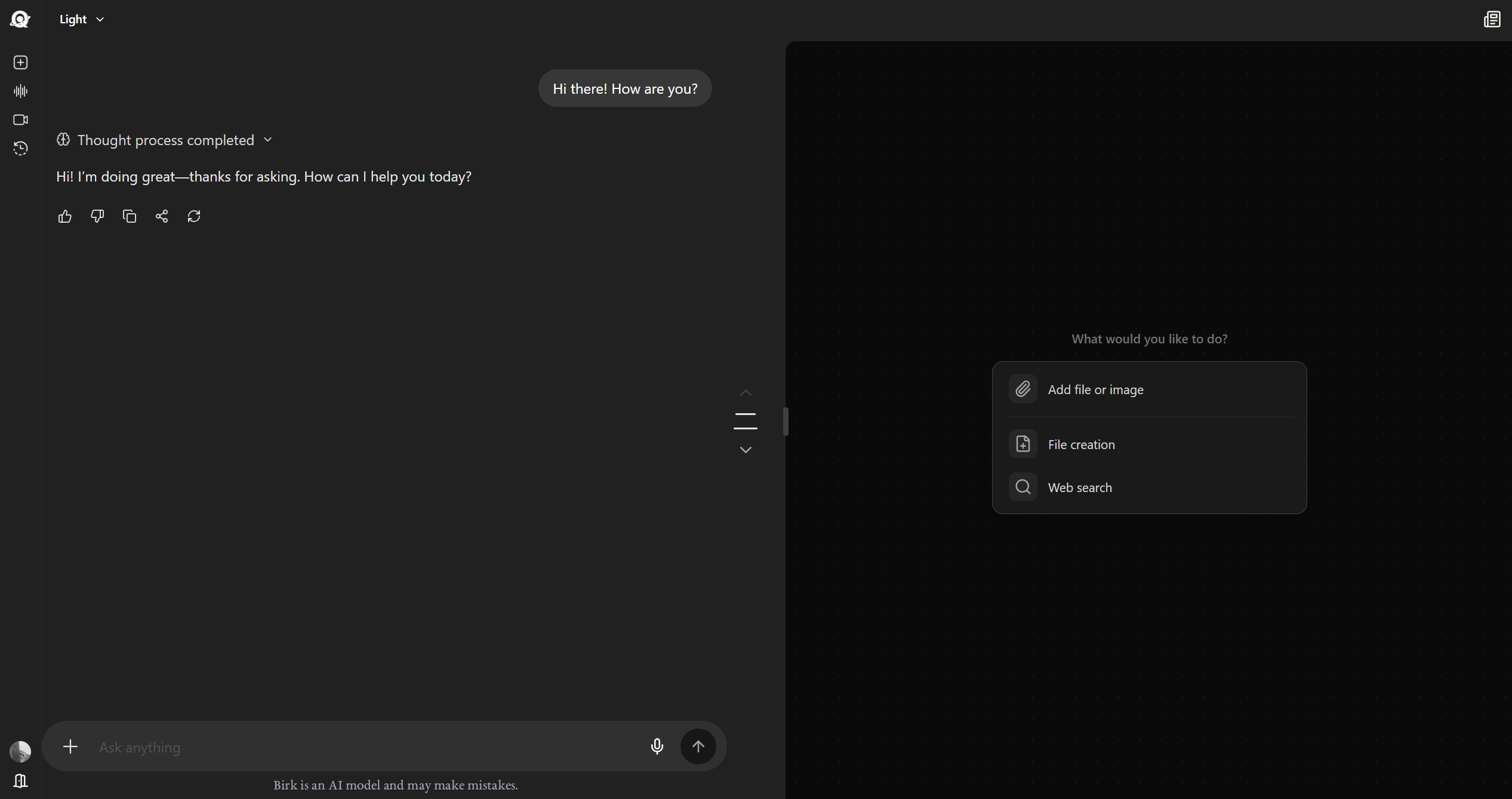
Try Birk models in the browser without installing anything. Chat, model comparison, ready-made scenarios, and a safe trial environment are presented in one interface.
01Platform Interface
02Demo Experience
Chat Interface
Talk to Birk models in natural language, change response style, and try the same request across different models.
Model Comparison
Run the same task on different models and compare response quality, speed, and cost behavior side by side.
Ready-Made Scenarios
Start quickly with examples such as code review, data summaries, SQL generation, and report writing.
Safe Trial Environment
The demo session runs in isolation. You can evaluate product behavior without entering sensitive data.
03Ready-Made Demo Scenarios
When you open the demo site, you can choose one of these scenarios and quickly test model behavior, output format, and response time.
04Demo Limits
| Feature | Demo | Full Version |
|---|---|---|
| Daily requests | 50 requests | Unlimited or plan-based |
| Context window | 8K tokens | Up to 256K tokens |
| Tool usage | Limited | Full access |
| File upload | 5 MB | 100 MB and above |
| Session duration | 30 minutes | Unlimited or plan-based |
05Try It Now
Start in the browser
See the core experience without creating an account; then move to an API key or app installation for full usage.
birk.briqmind.com